Service Principals
CloudDIET leverages Service Principals to access your Azure environment in a secure and auditable way.
Adding Credentials to CloudDIET
Service Principals are created in your Azure Active Directory by following the Onboarding Guide. Once created, the credentials can be added in the CloudDIET settings. While it's typical for customers to use a single Service Principal for CloudDIET, it's possible to add multiple. When you add an Azure Subscription to CloudDIET it must reference only one Service Princpal, but different Azure Subscriptions can reference different Service Principals.
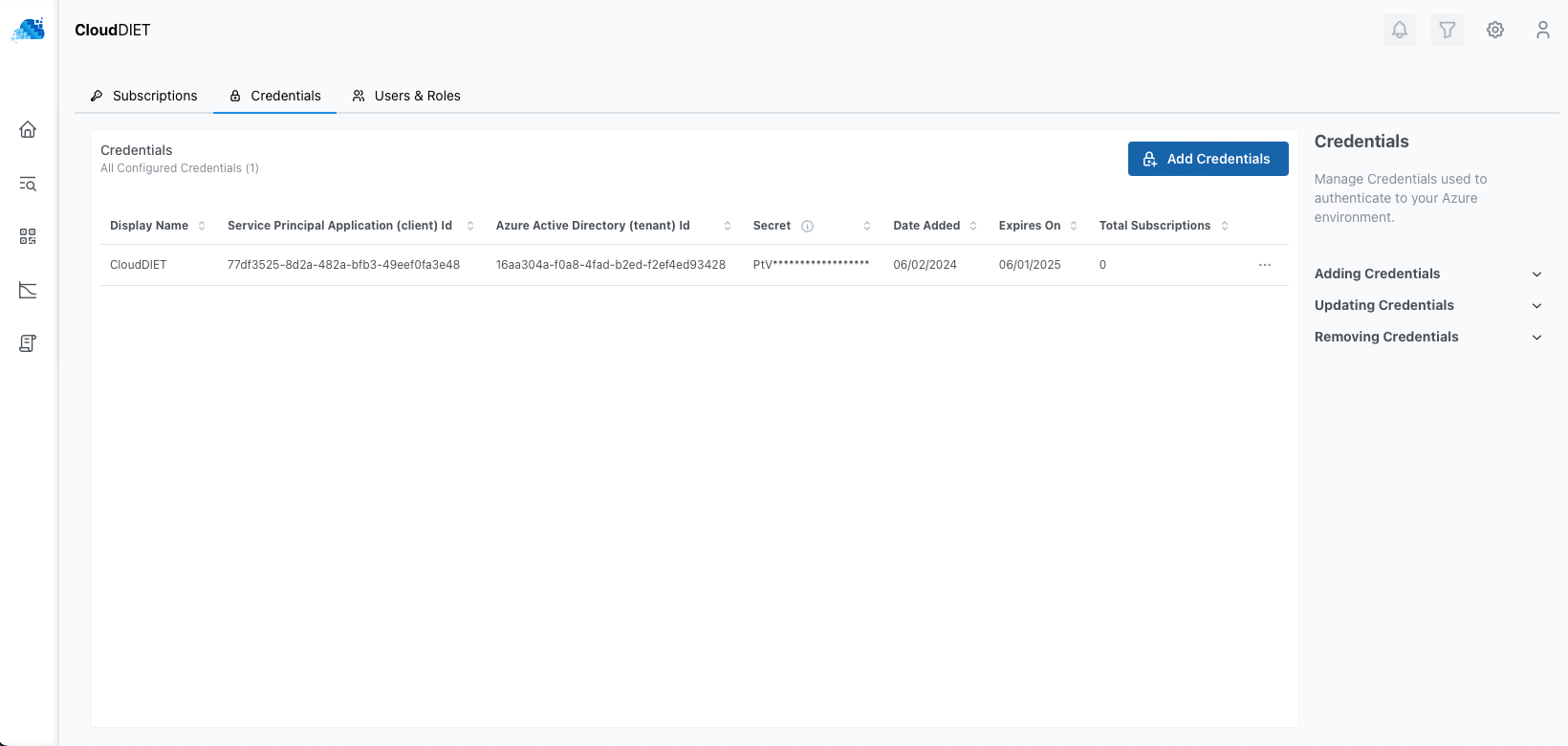
Credentials are securely stored in an HSM-backed vault with a zero-trust security model. At any time, you can revoke access to your credentials by deleting them from the CloudDIET portal or by deleting the Service Principal(s) secret and/or account from your Azure Active Directory.
Updating Secrets
Service Principal secrets can be updated at any time in the CloudDIET settings allowing you to rotate secrets. Once secrets are added or updated they are not viewable, but can be updated again at any time.
Removing Credentials
Credentials can be removed from CloudDIET at any time as long as they're not associated with an Azure Subscription. Once removed, the Credentials are not recoverable.
If you're changing the Credentials associated with an Azure Subscription, you must first create a new Credential (Service Principal) and then update the Azure Subscription in CloudDIET to use the new Credential. Do not remove and then add the Azure Subscription or all profiling metadata will also be deleted.
Auditing
Service Principal can be audited in your Azure Active Directory using native capabilities such as Sign-in logs.