Subscriptions
CloudDIET leverages Service Principals to access your Azure environment in a secure and auditable way.
Adding Subscriptions to CloudDIET
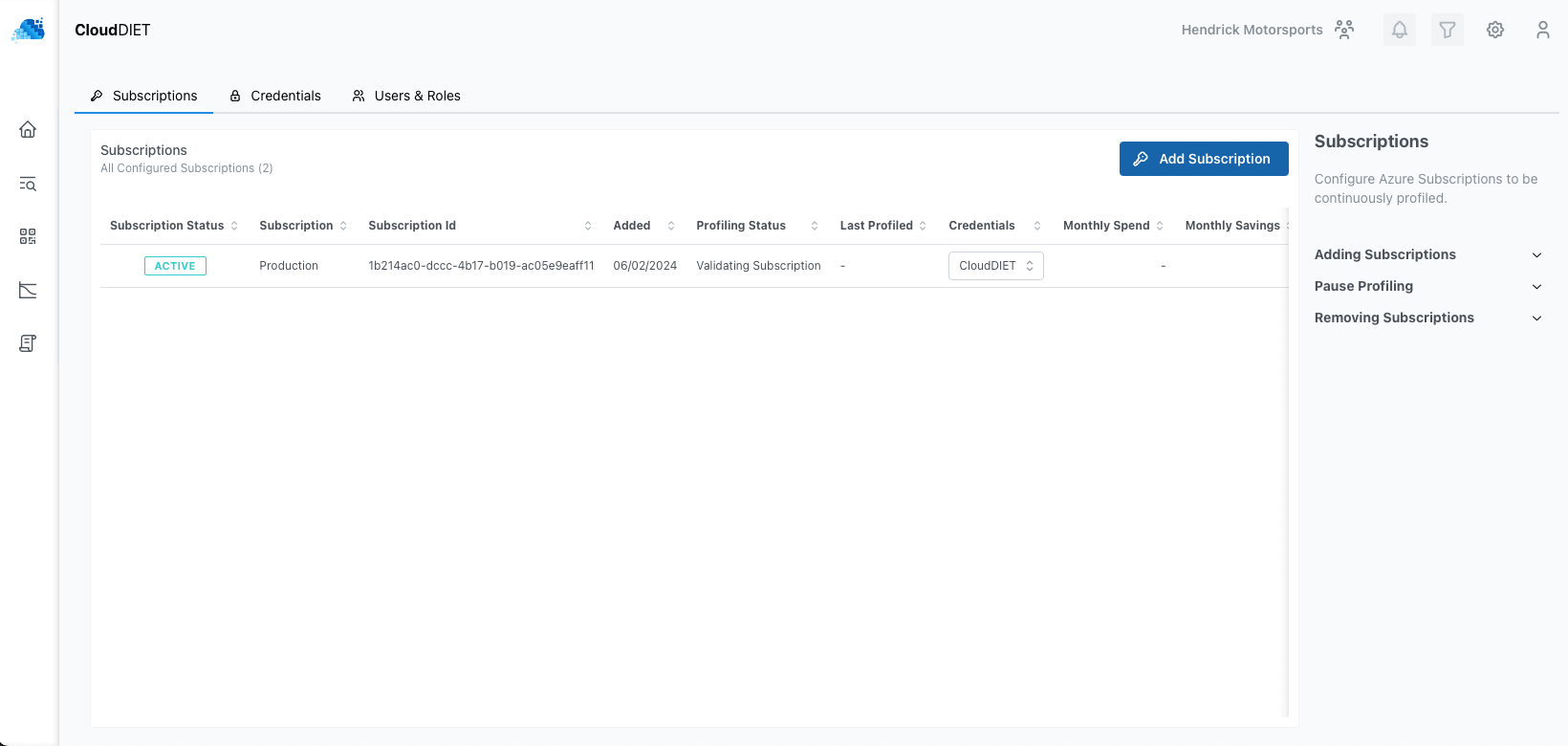
Azure Subscriptions can be added to CloudDIET at any time, but you must first have created at least one Credential (Service Principal). Once added, you will see the Azure Subscription(s) listed and the current status. CloudDIET will automatically begin profiling your Azure Subscription. Depending on the amount of resources in the Subscription, this can take anywhere from a few minutes to several hours.
Changing Credentials
The Credentials associated with an Azure Subscription can be changed at any time as long as that Subscription is not actively being profiled.
Pausing and Resuming Subscription Profiling
Subscriptions can be paused at any time as long as that Subscription is not actively being profiled. The Subscription and all of its profiling metadata will be retained indefinately while paused.
Pausing a Subscription will prevent any further profiling. Once resumed, there may be a gap in reporting as CloudDIET will not attempt to evaluate missed days.
Removing Subscriptions
Subscriptions can be removed at any time as long as that Subscription is not actively being profiled.
Removing an Azure Subscription from CloudDIET will also delete all profiling metadata.
Subscriptions Status
The status of an Azure Subscription is based on the result of its most recent profiling. Ideally, the status should be "Active" or display the current state of any profiling activities. Errors will also be displayed and can range from authentication issues to deleted Subscriptions. The error message will display the reason and aid in any troubleshooting.